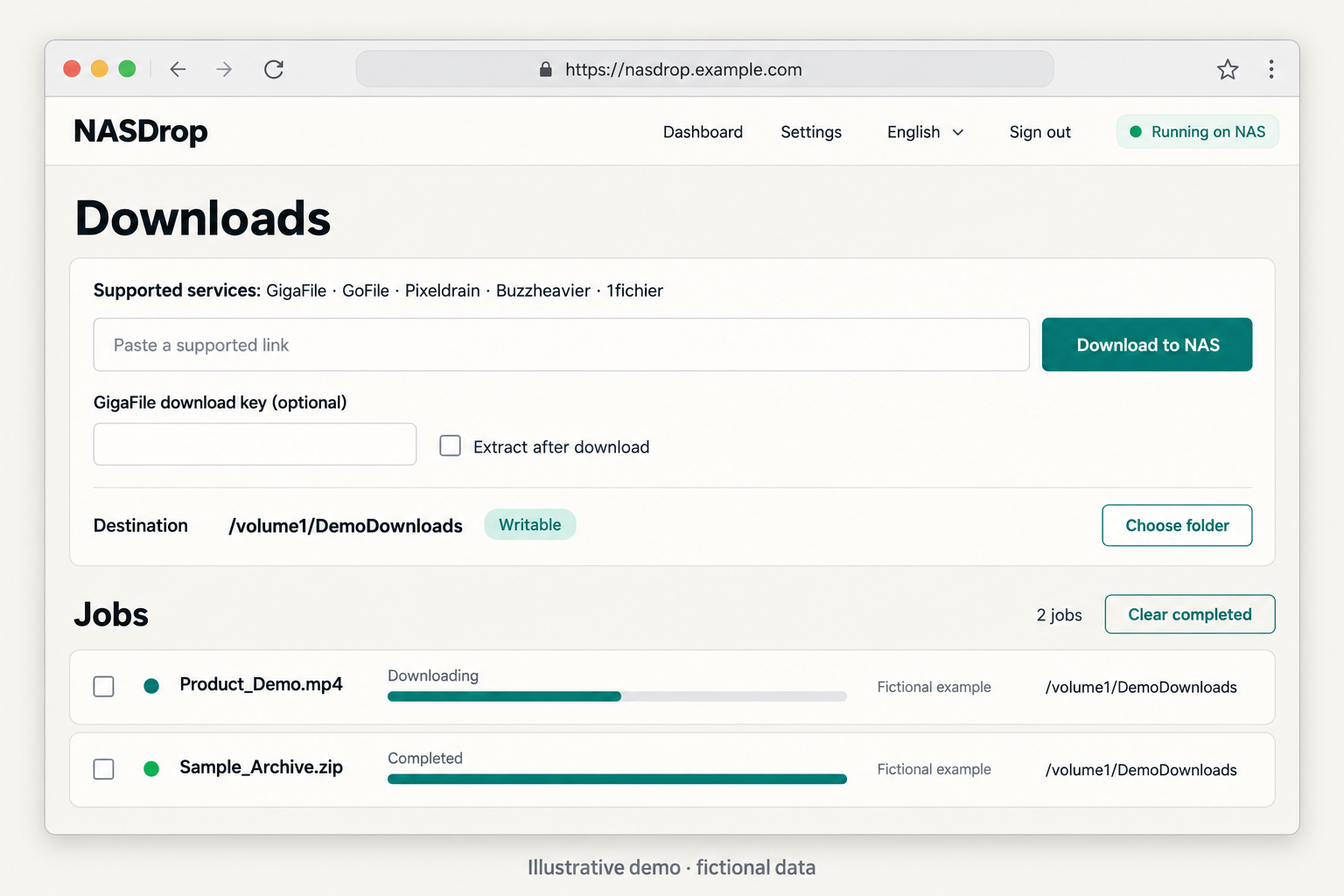
A shorter route from a shared link to your NAS
Downloading a large file to your computer and then copying it to your NAS adds another step. NASDrop is a self-hosted download tool that lets your NAS or server fetch supported files directly into a folder you choose.
We develop NASDrop at LittleWeirdLab, the software division of BOAZ CNC. Alongside our work importing and supplying CNC, laser and flatbed cutting equipment, training and after-sales support, we’re building software products.
How it works
- Sign in to your own NASDrop web portal.
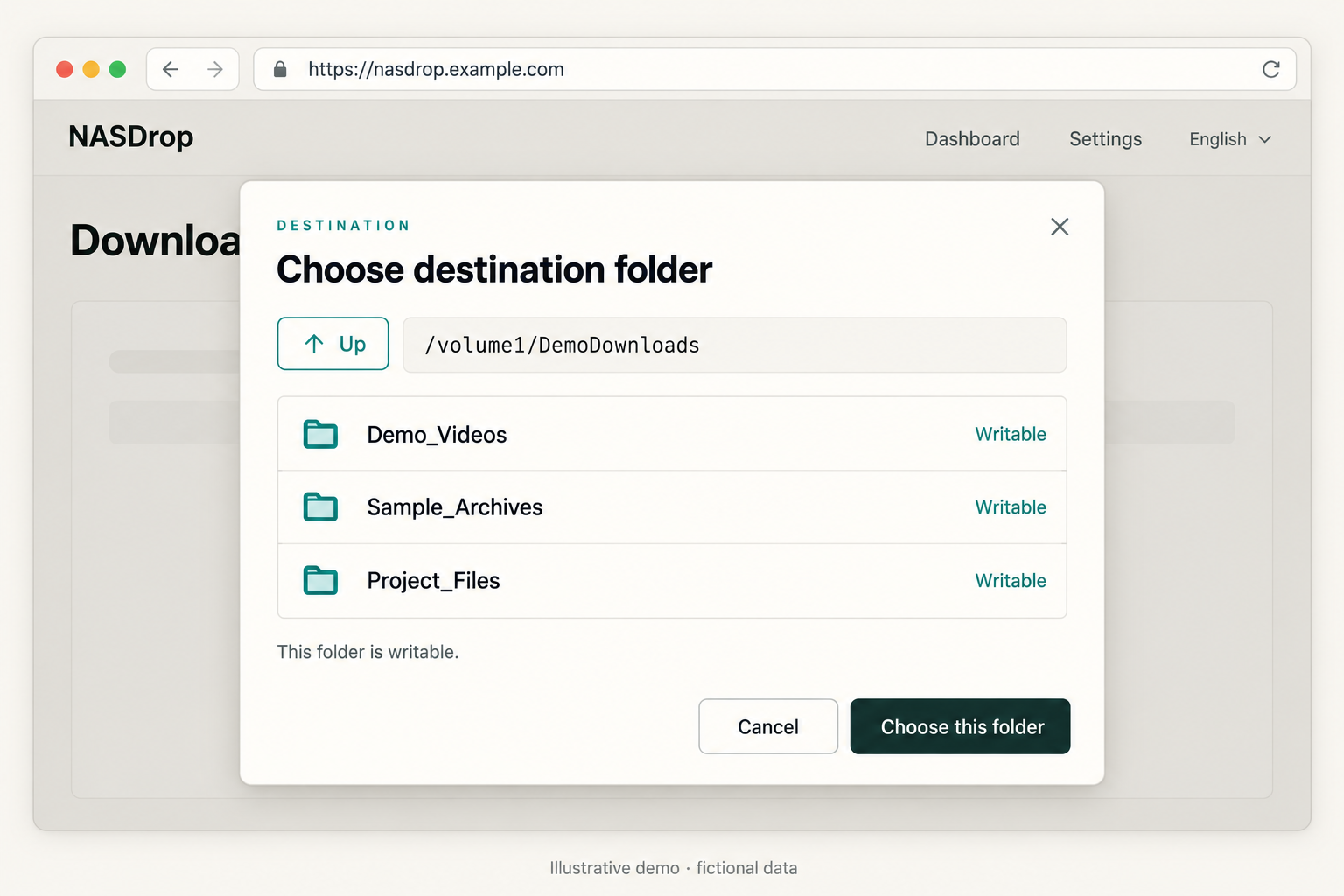
- Add a supported file link and choose a destination folder.
- Enable automatic archive extraction if needed, then add the job.
- Check progress and the completed result.
Supported GoFile, GigaFile and Pixeldrain links can be added through the web portal. NASDrop provides a download queue, per-job folders and progress information. It can also extract supported ZIP, 7z, RAR and TAR-family archives, with a separate archive password when required.
Other services have different requirements. Buzzheavier needs a signed direct link; X-Share needs the Chrome companion and a user-completed verification and Download click. Check GitHub for the full current list. Pause and resume behavior also depends on the provider.
Where it runs
- Synology: Manually install the SPK on Intel/AMD 64-bit (x86_64) models running DSM 7.1 or later. DSM 7.1 and 7.2 have been verified on real hardware.
- Docker: Images support linux/amd64 and linux/arm64 hosts, with storage and folder permissions configured for your setup.
On a fresh installation, change both temporary login credentials and select a writable download folder. After a Synology update, reselect the default folder in Settings. NASDrop is installed manually and is not listed in Synology’s official Package Center catalog.
What’s available now
As of October 7, 2026:
- Server: Version 0.9.27-7 is the latest public release. The server source is available under the MIT License.
- Chrome: Version 0.5.9 is a GitHub-distributed preview, installed through developer mode. It requires a running NASDrop server and has no Chrome Web Store listing.
- Android: Closed-test volunteers are being recruited ahead of public Google Play release. The app is free with ads and offers optional one-time ad removal. No purchase is required for testing. Its source repository remains private.
Get started and share feedback
- NASDrop on GitHub and supported services
- Latest SPK and Chrome downloads
- Docker installation guide
- Chrome installation guide
- Android testing information
Suggestions and bug reports are welcome through GitHub Issues. Include your setup, NASDrop version and reproduction steps, removing passwords, NAS addresses and private download links.
Use NASDrop only for files you own or are authorized to download. Provider verification and limits still apply, and service changes can interrupt compatibility. NASDrop is an independent project with no affiliation to Synology or the supported download services.


댓글 남기기